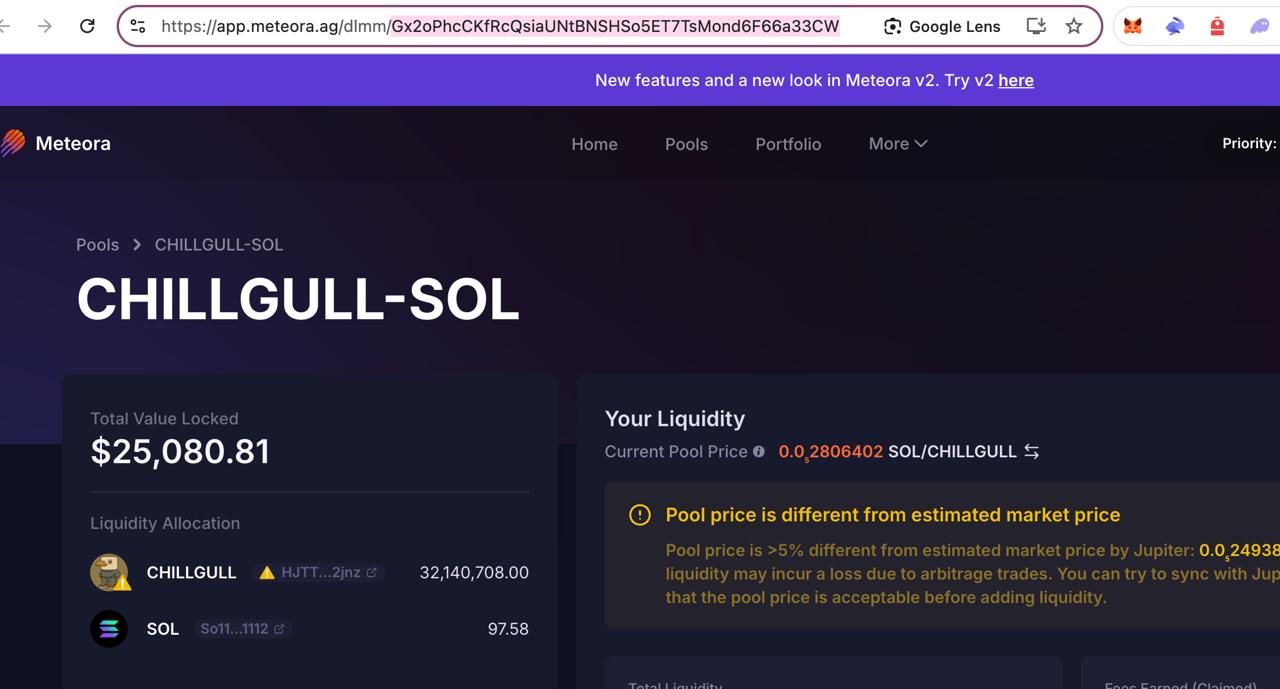
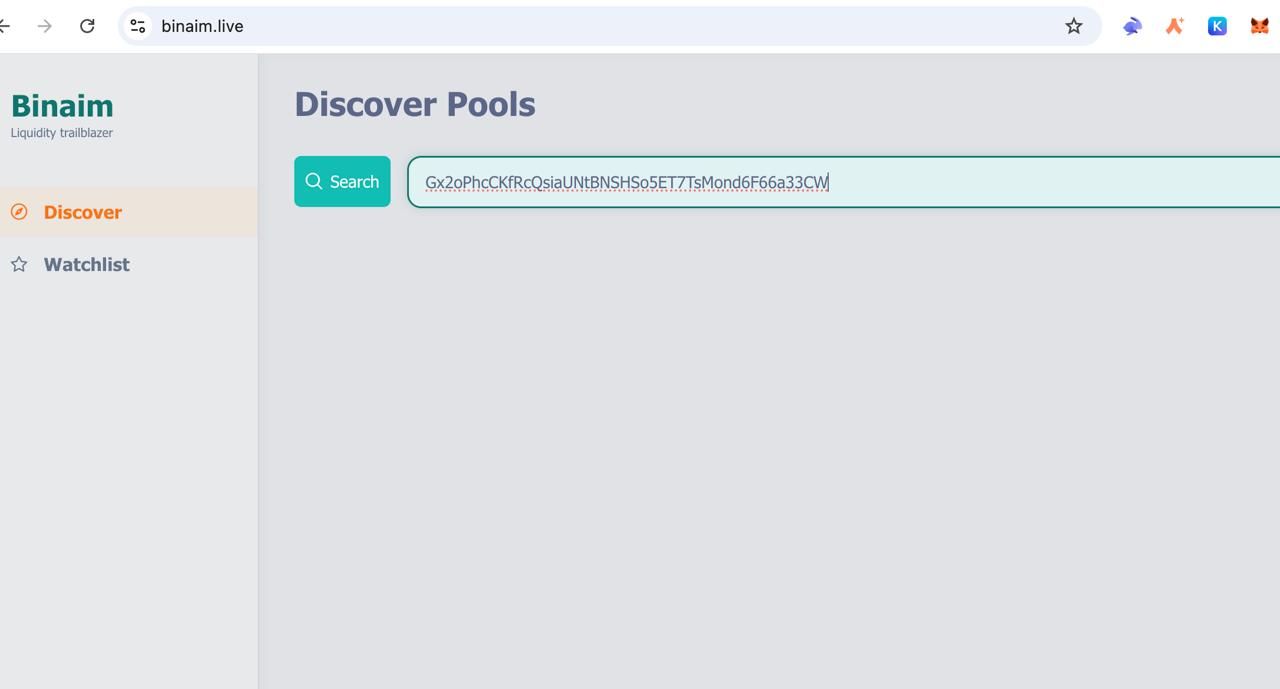
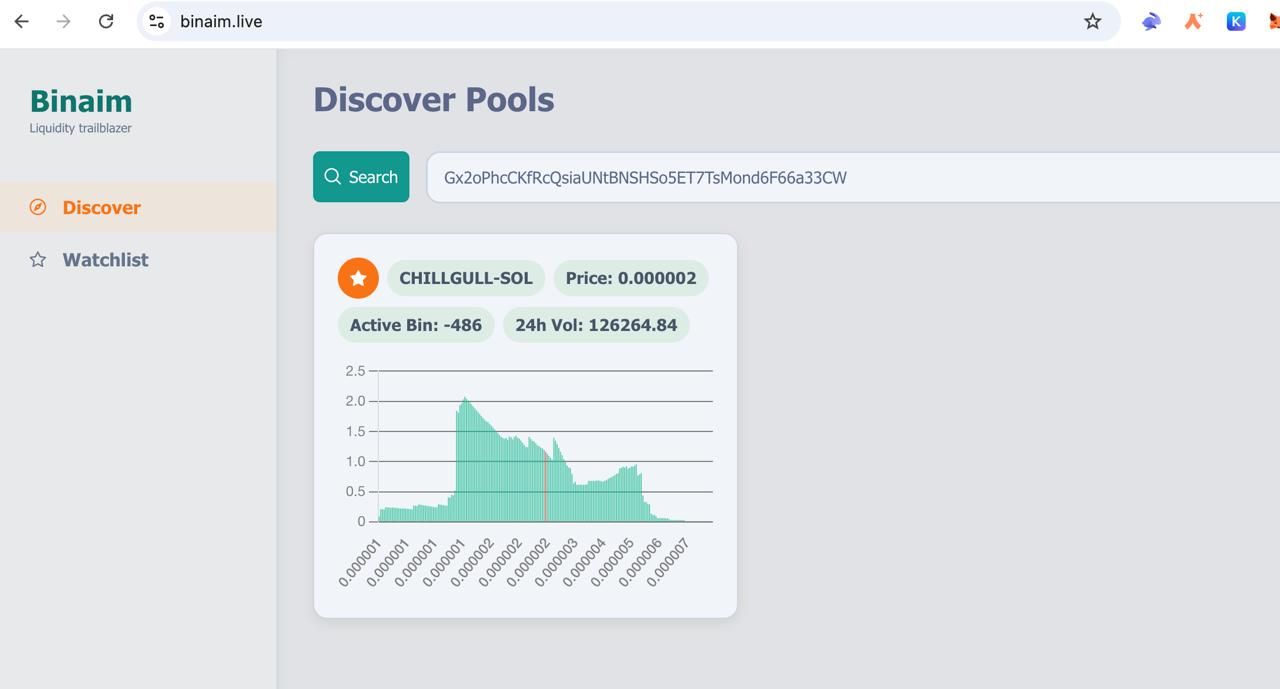
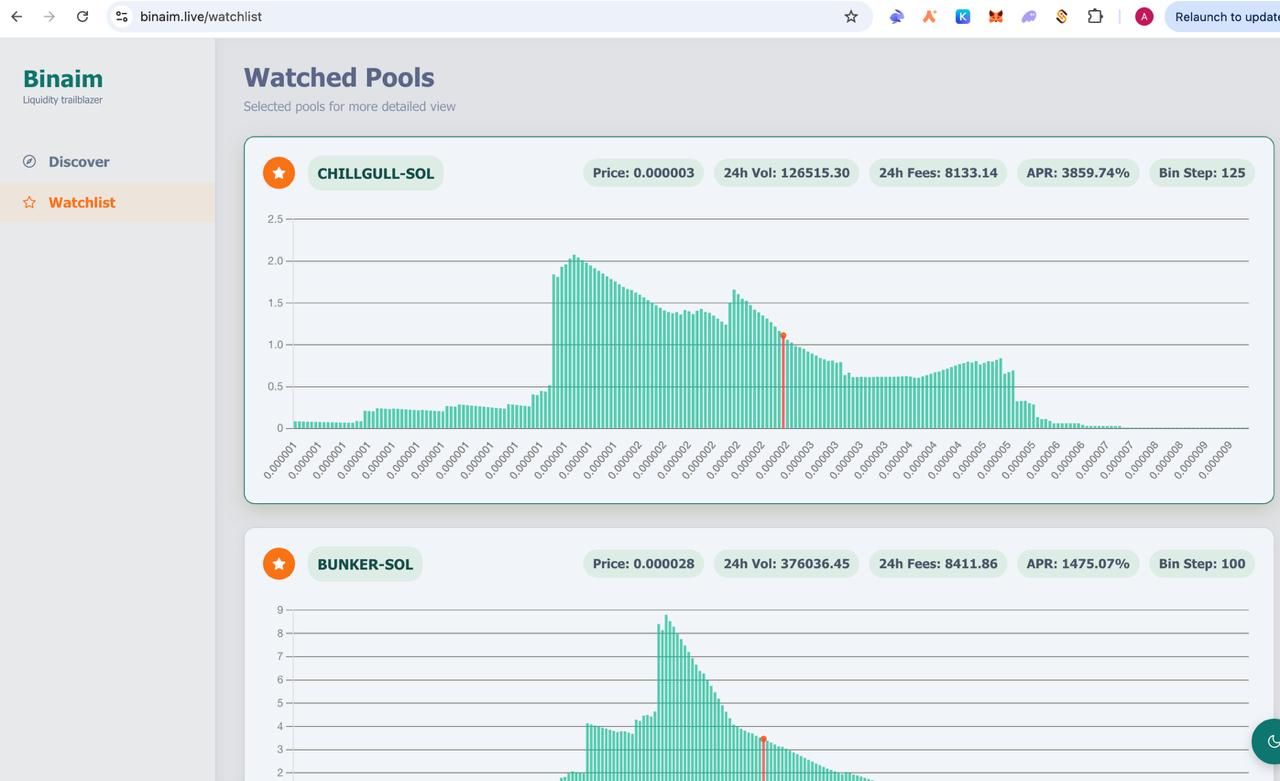
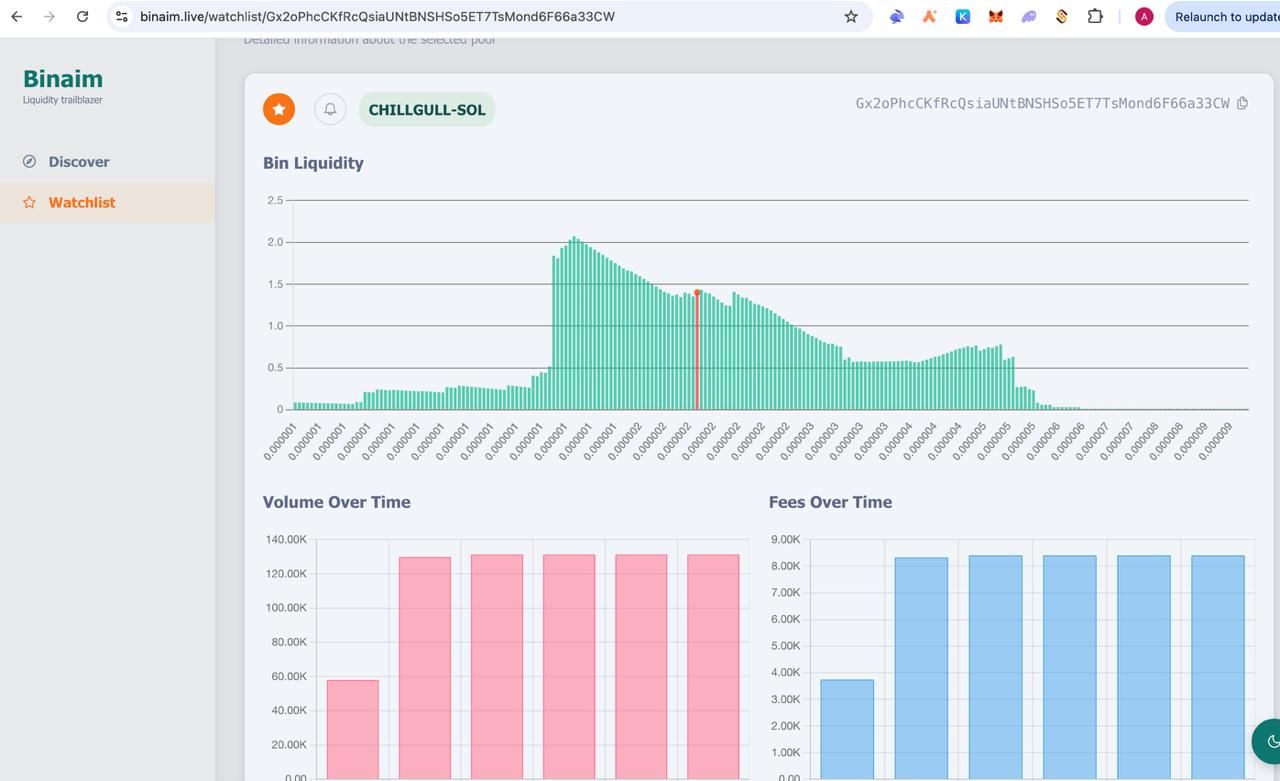
Press “Watchlist” button to see all the added pools
Press at your chosen pool here (if it doesn’t open immediately - refresh the page and try again)
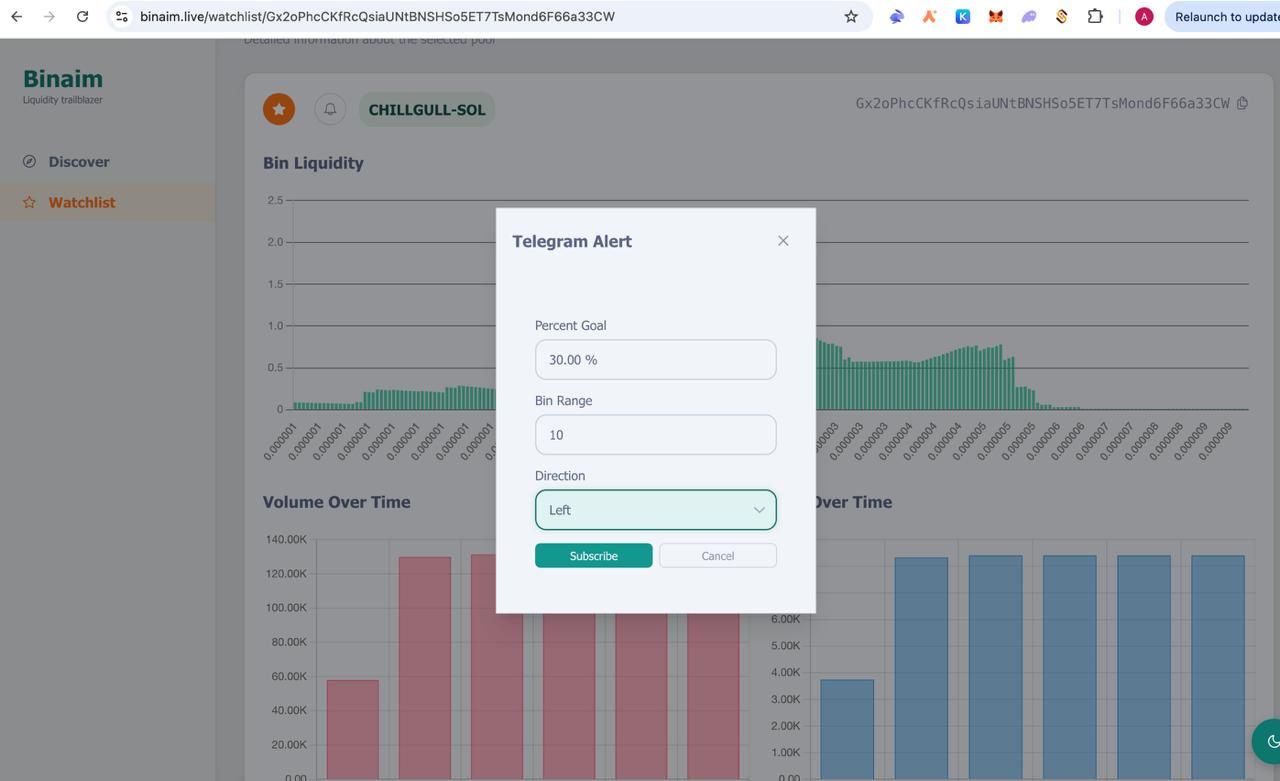
Press doorbell icon and configure alert settings (here is how)
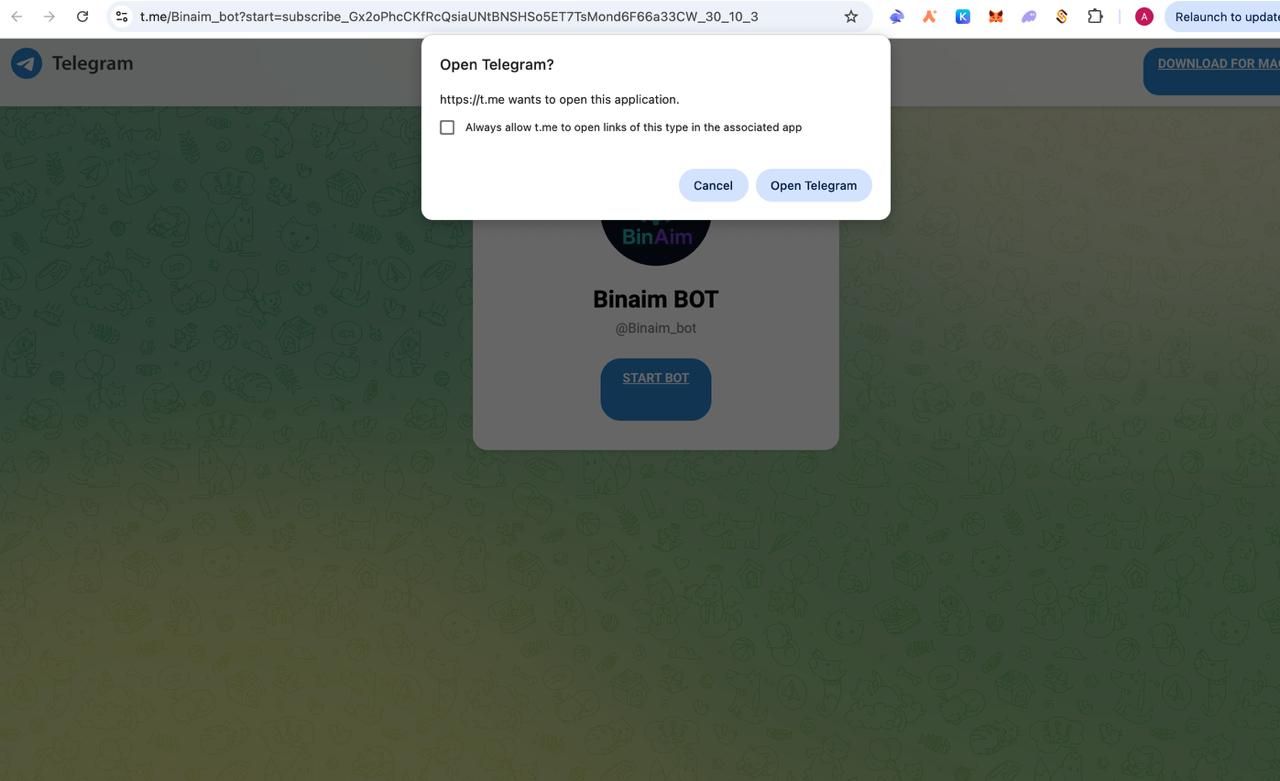
Continue to telegram
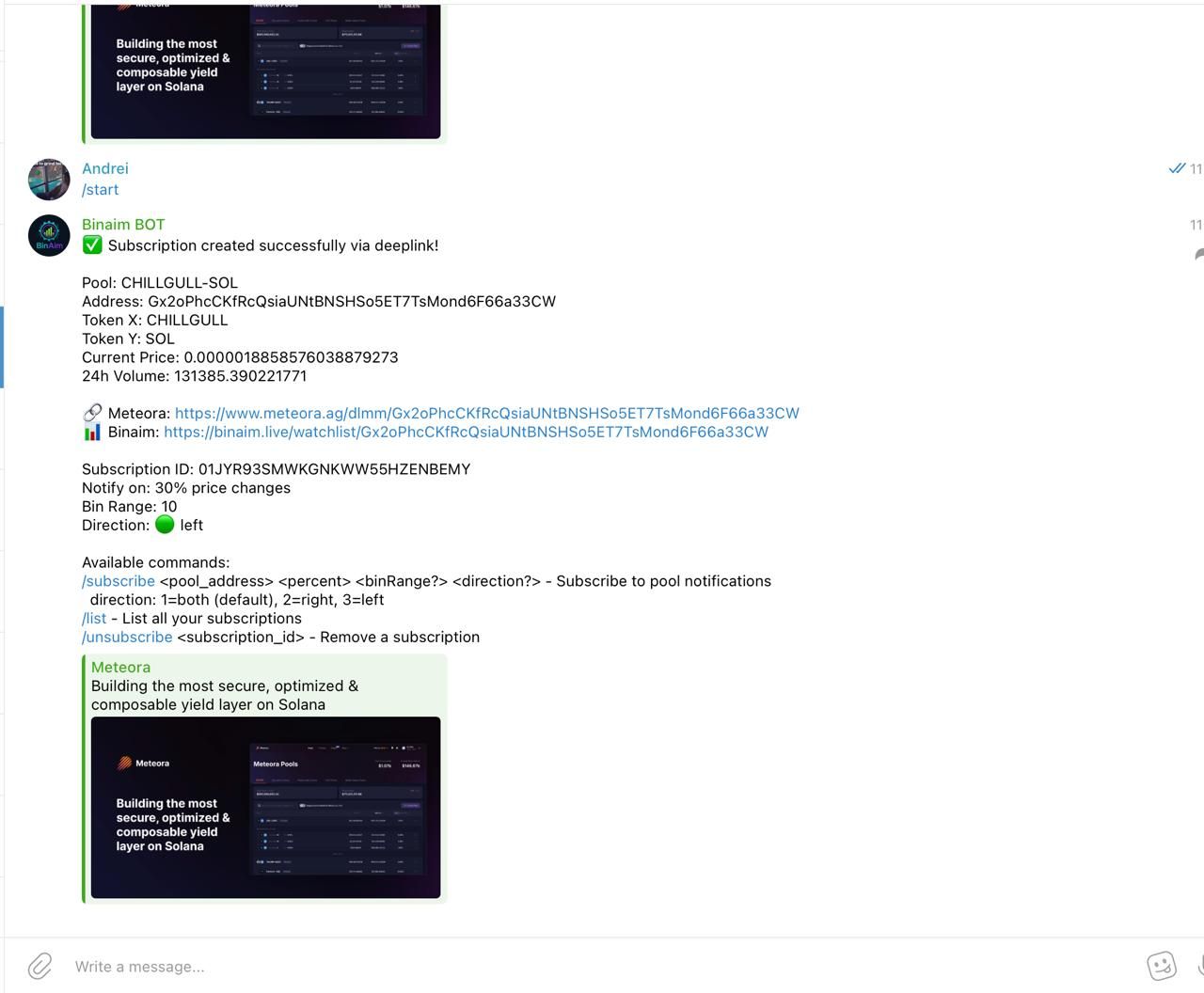
Done, we have subscribed to alert
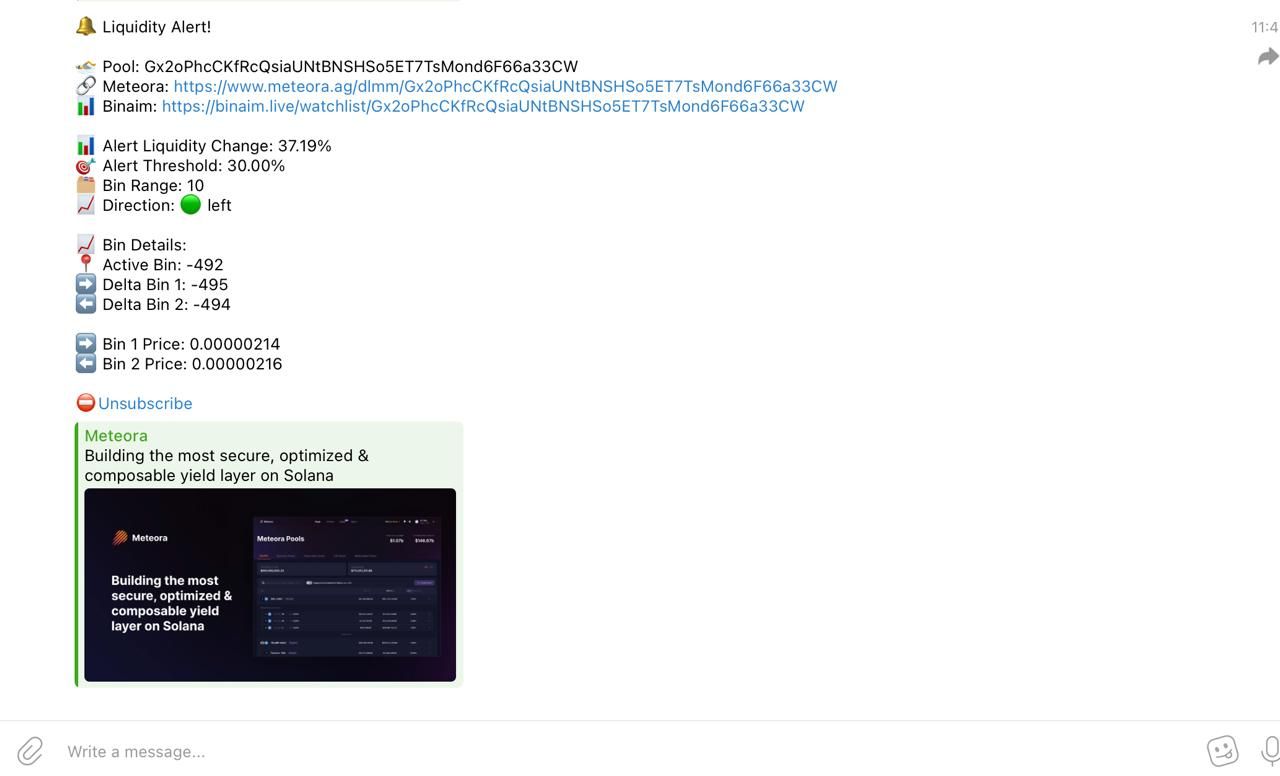
When you get a signal, go to the pool and manually choose the range you want to farm. We usually set bid-ask ranges, but if we’re confident in the token, we set it at spot.